
Life Skill Guide
Amanda Hayes · on 18 July 2026 · 5 min read · Last reviewed 18 July 2026
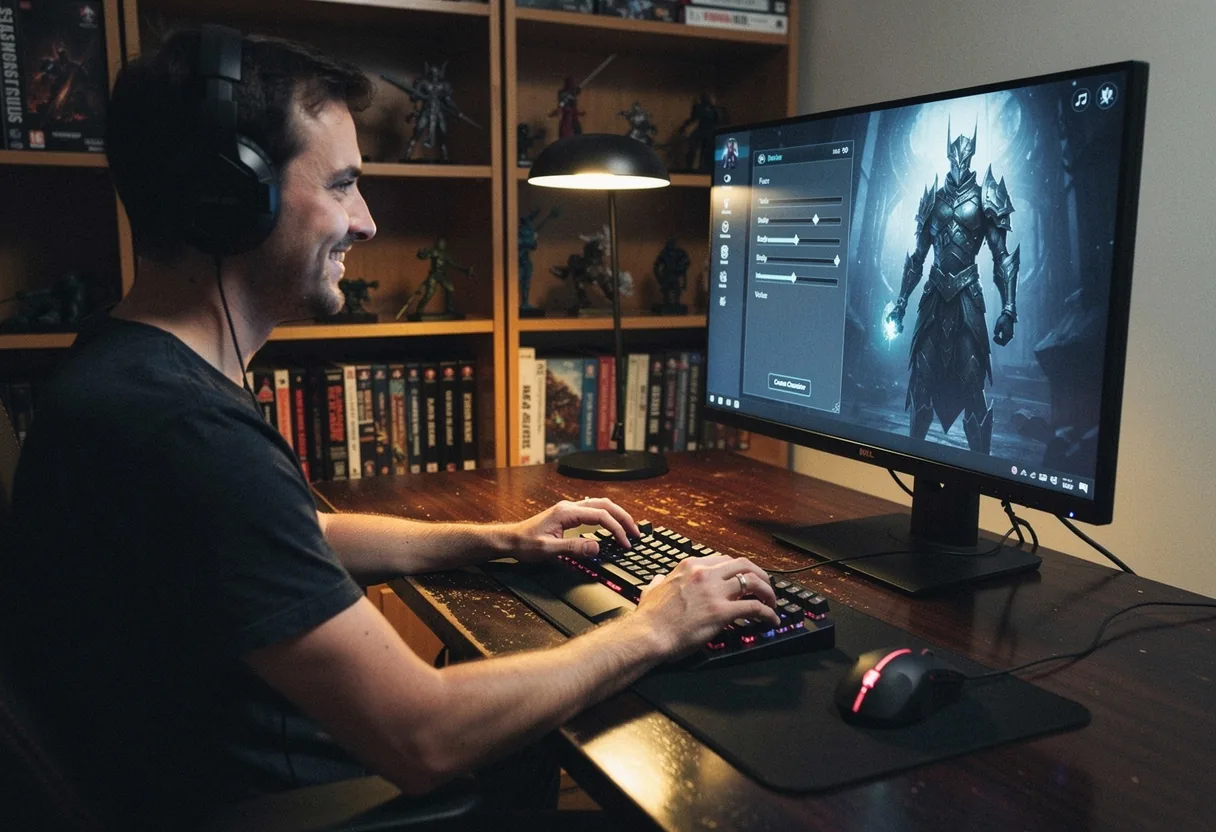
**Black Desert Online (BDO)** is a 2015 sandbox-oriented fantasy MMORPG developed by Pearl Abyss with a deep character creation system allowing extensive customization.
In plain terms: think of it like sculpting a digital action figure, where every facial feature, hairstyle, and body type is a movable piece, unlike simpler RPGs with preset avatars.
Key facts
- The BDO character creator offers over **300 customization options** for facial features alone.
- Hair styles and colors are unlocked through in-game progression or purchases.
- Custom templates can be saved and shared, but gender cannot be changed after creation.
- According to Pearl Abyss, over **25 million players** worldwide have explored BDO’s character creator.
How to access the BDO character creator
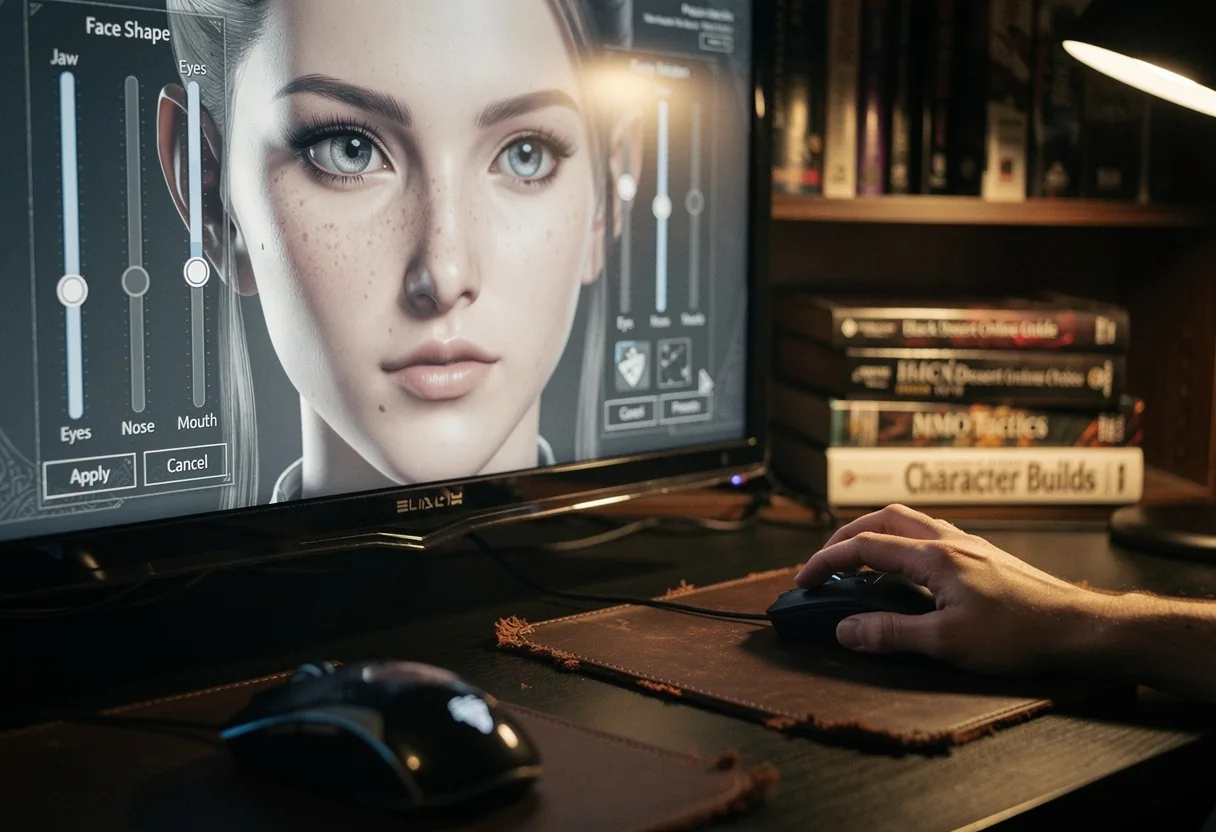
To create your character, launch Black Desert Online and click **“New Character”** on the title screen. The creator tool will open, displaying a 3D model of your character with sliders and presets.
What you need
- A **Black Desert Online account** (PC or console).
- Understanding in-game currency (silver and pearls) enables various choices.
- Optional: **pre-downloaded character templates** from community sites.
Step-by-step BDO character creation
- **Select your gender**, male or female, from the main screen.
- **Choose a preset** as a starting point, or use the **sliders to manually adjust** facial features like nose shape, eye size, and lip fullness.
- **Unlock and apply hairstyles**, some are free, while others require in-game purchases or progression rewards.
- **Adjust body proportions**, height, muscle tone, and weight can be modified using the sliders.
- **Customize clothing and armor**, select starter gear or unlock cosmetics through gameplay or purchases.
- **Save your template** under the **Customization Album** for future use or sharing.
- **Name your character** and confirm creation to enter the game.
Common mistakes to avoid
One frequent error is **ignoring the Customization Album**, which lets you reuse or share designs. Another issue is **ignoring hair dye options**, which need individual activation. Avoid rushing, take time to fine-tune features, as minor tweaks can drastically change your character’s appearance.
How to use BDO character presets
Presets are pre-made designs available in the creator tool. To use them, click the **preset tab** and browse the gallery. Select one to apply it instantly, then adjust details to personalize it.
For community-created presets, visit fan sites like **BDO Planner** or **Black Desert Online forums** and download templates. Import them via the **Customization Album** by selecting **“Import Template.”**
Male vs. female character creation in BDO
While the core customization tools are similar, male and female characters have distinct features. For example, male characters often have broader facial structure options, while female characters offer more intricate hairstyles and accessories.
| Category | Male Options | Female Options |
|---|---|---|
| Facial Features | Jawlines, brow ridges, beard styles | Lip shapes, eyelash lengths, cheekbone prominence |
| Hairstyles | Short cuts, long braids, military styles | Curls, buns, flowing locks with accessories |
| Body Types | Muscular builds, broad shoulders | Curvier proportions, petite frames |
How to unlock hair styles and colors
Hair styles and colors are unlocked through **quest rewards, in-game purchases, or seasonal events**. Completing the **Mediah questline** provides unique hairstyles, while purchasing **Pearl Shop items** offers exclusive colors such as **platinum blonde** or **deep brown**. Some styles, like **ginger hair**, are tied to limited-time events.
| Hair Color | Unlock Method | Example Style |
|---|---|---|
| Brown | Free starter option | Classic short cut |
| Blonde | Pearl Shop purchase | Wavy long hair |
| Ginger | Event reward (seasonal) | Braided pigtails |
Using the BDO Customization Album
The **Customization Album** is a built-in tool for saving and managing character designs. To access it, open the character creator and click **“Album”** in the top menu. Here, you can **save current designs, import templates, or share creations** with others.
To share a design, export it as a template and post it on forums or social media. Other players can import it by selecting **“Import Template”** in the Album.
How to create a BDO character on console
Console players (Xbox One and PlayStation 4) follow the same steps as PC users. Launch the game, select **“New Character”**, and use the controller to navigate the sliders and presets. The interface is optimized for controllers, with touchpad or stick inputs for precise adjustments.
Pro tips for BDO character creation
For a polished look, focus on **balancing features**, avoid extreme settings unless going for a comedic or exaggerated style. Use **lighting and camera angles** in the creator to check how your character appears in different conditions. Consider **starting with a preset** and tweaking it, as this saves time and ensures a cohesive design.
If you’re unsure where to begin, check out **community showcases** on platforms like **Reddit’s r/blackdesertonline** or **YouTube tutorials** from creators like **Dakua**. These resources highlight creative designs and techniques for standing out.
How to find BDO character creation guides
To deepen your customization skills, look for **YouTube tutorials** or **blog posts** from experienced players. Websites like **BDO Planner** offer detailed guides, while forums such as **Reddit’s r/blackdesertonline** host discussions and templates. These resources provide step-by-step instructions and inspiration for crafting unique characters.
What makes BDO’s character creator unique
Black Desert Online’s character creator is notable for its extensive and adaptable options. Unlike other MMORPGs with restricted choices, BDO permits fine-tuning in aspects like ear shape or finger length. This attention to detail enables players to craft truly distinctive avatars, mirroring their personal style or narrative requirements. The creator also facilitates sharing and importing templates, promoting an active community of designers.
| Feature | BDO | Other MMORPGs |
|---|---|---|
| Facial Customization | Over 300 options | Limited sliders |
| Hairstyles | Hundreds, with seasonal releases | Preset styles |
| Body Proportions | Full control over height, weight, muscle | Predefined body types |
| Sharing Templates | Yes, via Customization Album | Rare or nonexistent |
Inspiration for BDO character creation
Drawing inspiration from real-world cultures, fantasy art, or even historical figures can enhance your BDO character. The game’s **Medieval and Eastern aesthetics** offer a rich backdrop for designs. For example, you could create a **samurai-inspired warrior** with intricate armor and a topknot hairstyle, or a **noble knight** with detailed tabard and helmet.
The first time I really looked at BDO’s character creator, I was struck by how **Pearl Abyss incorporated elements from various cultures**, such as the **Korean hanbok-inspired outfits** or the **European-style plate armor**. This diversity allows for endless creativity, whether you’re aiming for realism or fantasy.
Start experimenting today, BDO’s character creator is one of the most flexible in gaming, letting you craft a truly unique avatar.
Frequently asked questions
How do I start creating a character in Black Desert Online?
Launch the game and select 'New Character.' You'll see preset options. Click 'Customize' to access the full editor. This opens a detailed interface where you can adjust facial features, body shape, and more. The editor offers sliders for precise adjustments, letting you fine-tune every aspect of your character's appearance.
What are the main customization categories in BDO character creation?
The editor divides customization into several categories: face, body, hair, and clothing. Each category has sub-options. For example, under 'face,' you can adjust eyes, nose, lips, and even freckles. The 'body' section lets you modify height, muscle tone, and weight. Hair options include style, color, and length. Clothing presets can be mixed and matched.
Can I save my custom character designs in BDO?
Yes, you can save up to 20 custom designs per server. After finalizing a design, click 'Save' in the editor. This lets you reuse or tweak designs later. Note that saved designs are server-specific, so you’ll need to recreate them on different servers. This feature is handy for experimenting with different looks without starting from scratch each time.
How do I unlock additional customization options in BDO?
Some advanced customization options unlock as you progress. For example, certain hairstyles and clothing items become available after reaching specific levels or completing quests. You can also purchase exclusive outfits and accessories from the Pearl Shop using real money. These options expand your character's appearance beyond the default selections.
How can I effectively manage my digital footprint as a crucial life skill?
Managing your digital footprint is an essential life skill in the current interconnected world. Your digital footprint is the trail of data you leave behind when using the internet, including social media posts, online purchases, and browsing history. To manage it effectively, start by conducting a digital audit. Review your online presence by searching for your name on various platforms and assessing what information is publicly available. This will help you understand what others can see about you and identify areas that need attention.
Next, practice good online hygiene. Regularly update your privacy settings on social media platforms to control who can see your posts and personal information. Be mindful of what you share online, as even seemingly harmless posts can have long-term consequences. Avoid sharing sensitive information such as your home address, phone number, or financial details. Additionally, be cautious when using public Wi-Fi networks, as they can be less secure and vulnerable to hacking. Using a virtual private network (VPN) can help protect your data when connecting to public networks.
Another crucial aspect of managing your digital footprint is understanding and using digital literacy tools. Learn how to recognize and avoid phishing scams, malicious websites, and other online threats. Use strong, unique passwords for each of your online accounts and consider using a password manager to keep track of them. Enable two-factor authentication whenever possible to add an extra layer of security. Additionally, be aware of the data collection practices of the websites and apps you use. Review their privacy policies and terms of service to understand how your data is being used and shared.
Finally, be proactive in monitoring and maintaining your digital footprint. Set up Google Alerts for your name to receive notifications whenever new content about you appears online. Regularly review and update your online profiles to ensure they accurately represent you. If you find outdated or inaccurate information, take steps to have it removed or corrected. By taking these proactive measures, you can better control your digital footprint and protect your online reputation.
See also: Black Desert Online Character Customization: Pro Tips.